IPTV Buffering During Football Matches: What to Do
·4 min read
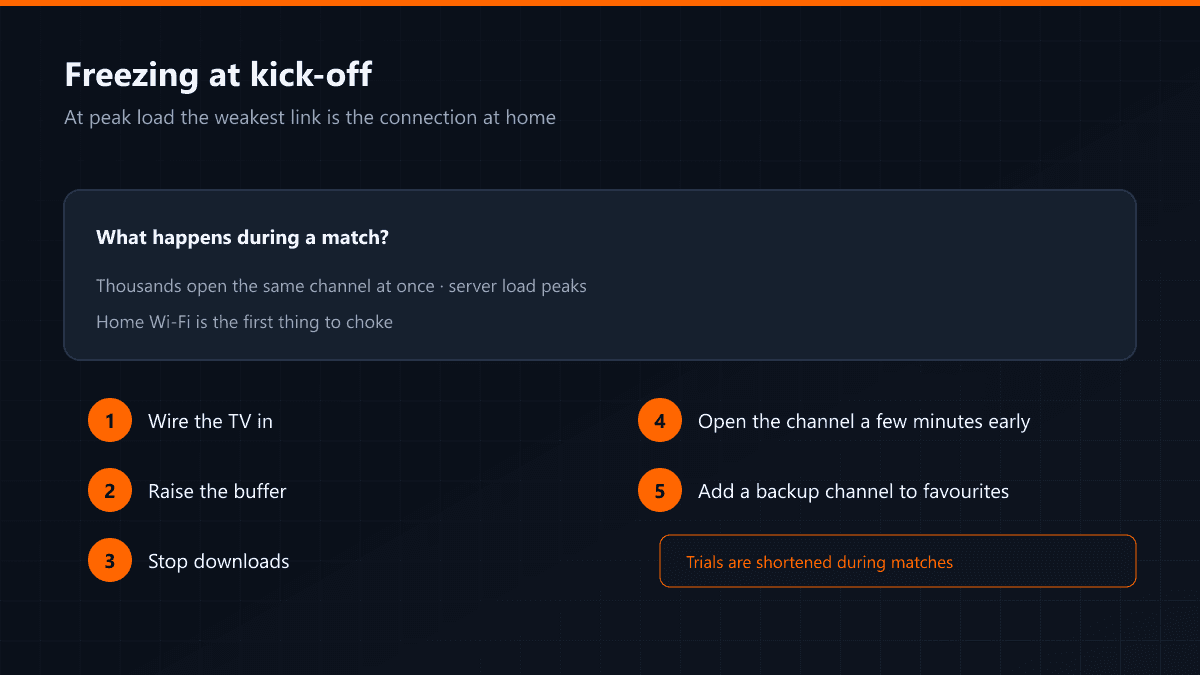
The derby starts and the stream stutters at exactly that moment. The reason is usually singular: everybody opens the same channel at once. Server load peaks during a match, and the weakest link in the chain is almost always the connection inside the house.
Five things to do before kick-off
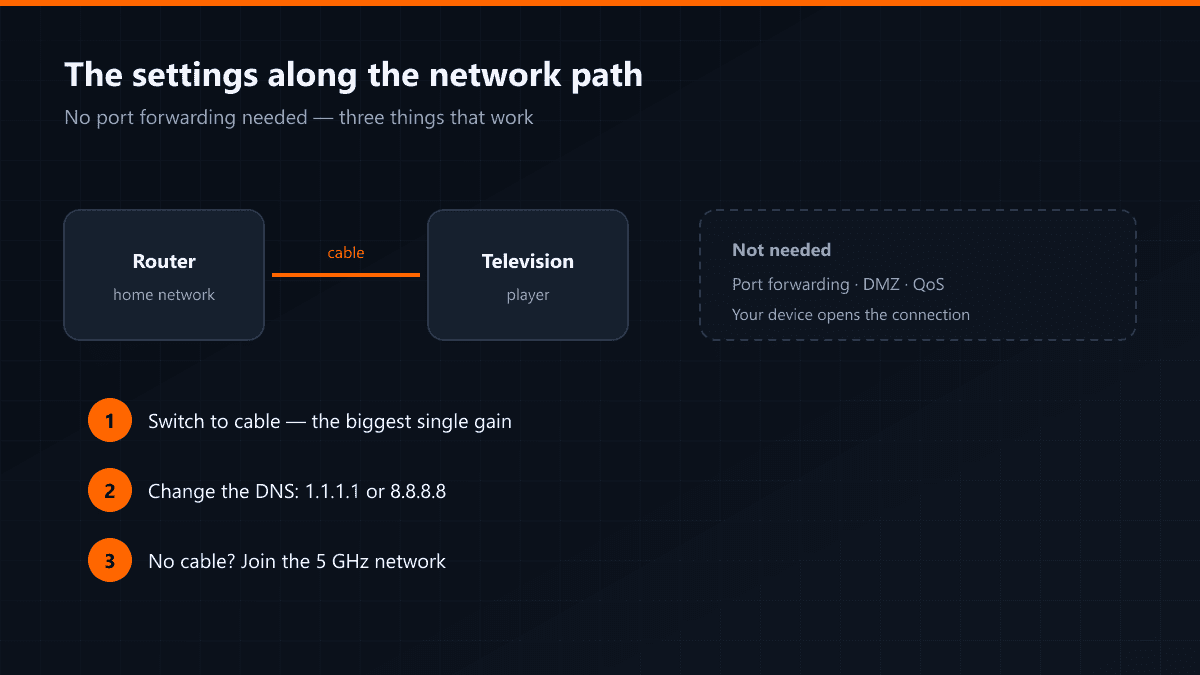
- Connect the television by cable — on match day this is the single most effective step.
- Raise the buffer one notch; a few seconds of delay beats a freeze.
- Stop downloads and backups elsewhere in the house.
- Open the channel a few minutes before the start so the stream settles.
- Find a backup source in advance: add the alternative channel for the same match to favourites.
Why is the trial shorter during matches?
Because in that window the capacity goes to paying subscribers. Free accounts using the same bandwidth during a match degrade the stream of somebody who has paid for it. That is why the trial period is shortened at those hours.
Why everyone at once?
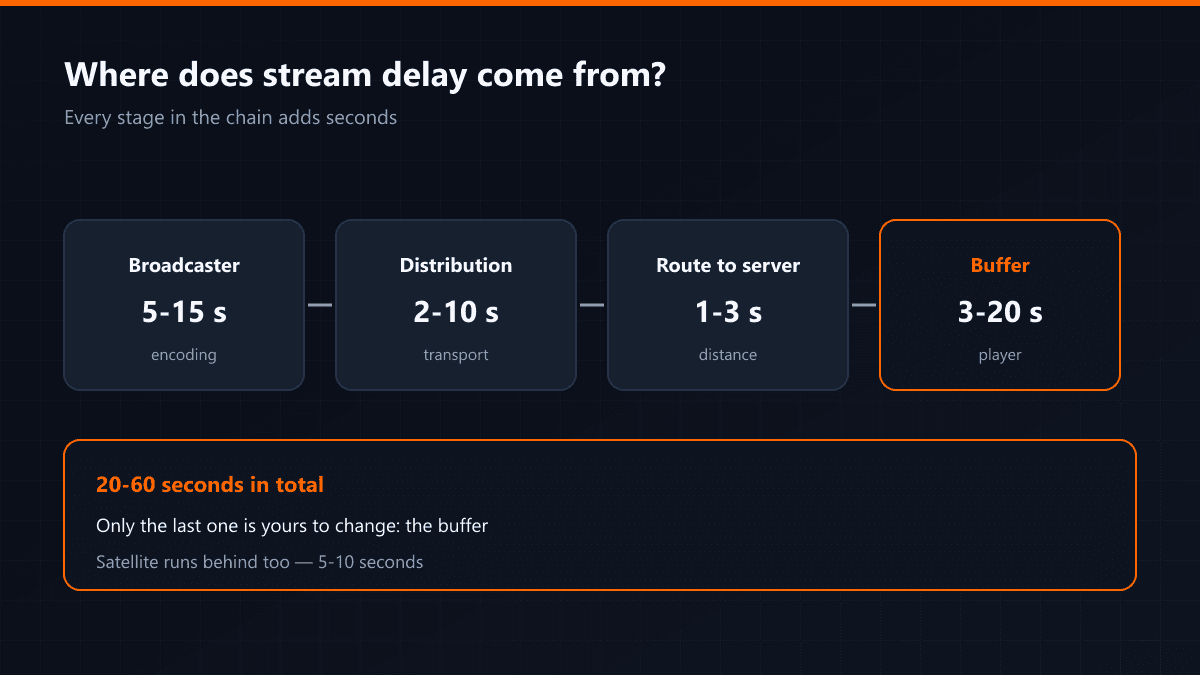
On an ordinary evening viewers are spread across thousands of channels; at derby time they collapse onto one. The same stream has to reach thousands of people simultaneously, and every link strains at the same moment: the broadcast server, the transit links, your provider and, at the end, your home Wi-Fi. The failure is usually not in the first three.
Match-day checklist
| When | What to do |
|---|---|
| The day before | Plug in the cable, raise the buffer, find the backup channel |
| 30 minutes before | Stop downloads and backups |
| 5 minutes before | Open the channel and let the stream settle |
| If it freezes during play | Switch to the backup, then report it |
How to find a backup channel
Big matches are usually carried by more than one source. Find the alternative broadcasts of the same fixture in your list — a different language or a different quality — and add them to favourites beforehand. Searching mid-match wastes time; switching to a favourite is one button.
If the freezing continues after the match
Then congestion is not the cause. Follow the order in the general freezing guide: buffer, cable, DNS. Freezing that only happens during matches and freezing that happens at any hour have different causes.