IPTV Sound Problems: No Audio, Crackling, Delay
·5 min read
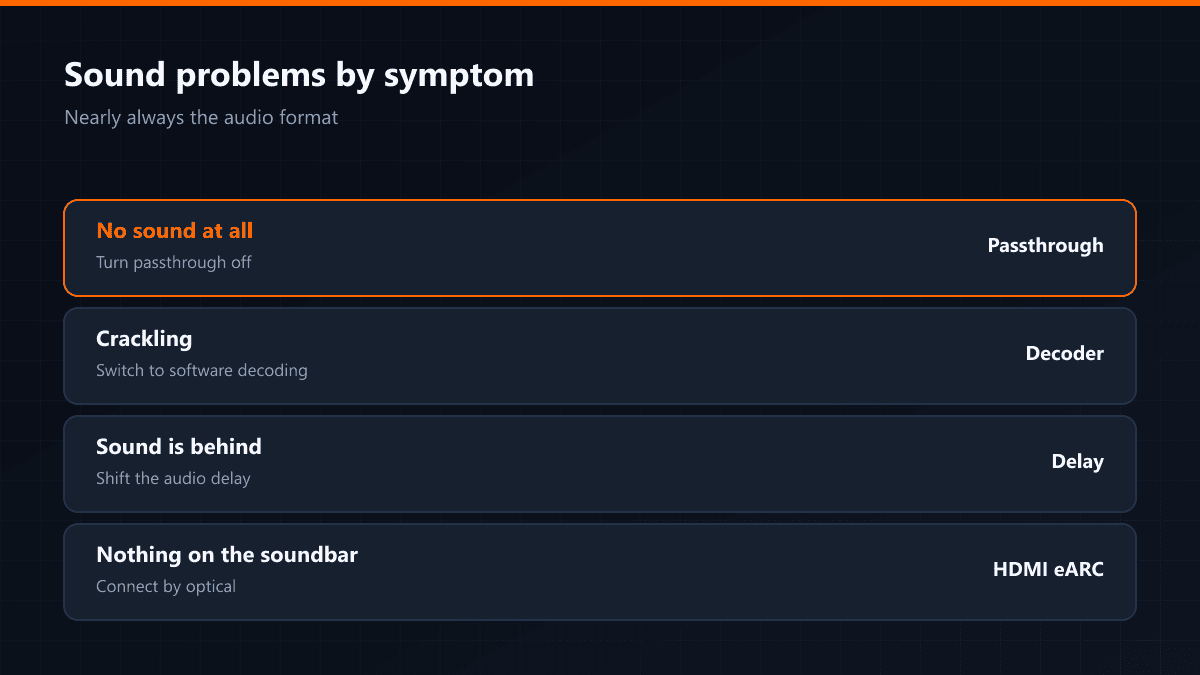
The picture is clean but there is no sound, or it crackles, or it arrives behind the image. All three gather at the same point: the audio format of the broadcast does not match what your device can handle.
Why it happens
Some channels send audio as AC3, E-AC3 or DTS. A television's own speakers can decode these, but if the player is set to pass the audio through untouched, the work falls to the device — and where the device cannot decode it, no sound comes out at all.
Fix by symptom
| Symptom | Cause | What to do |
|---|---|---|
| No sound at all | Format unsupported | Turn audio passthrough off |
| Crackling or popping | Wrong decoder | Switch from hardware to software decoding |
| Sound behind the picture | Audio delay | Shift the audio delay in the player |
| Only on some channels | That channel's audio format | Send us the channel name |
| None on the soundbar, fine on the TV | HDMI eARC | Connect the sound system by optical |
What is passthrough?
With it on, the player sends the audio on undecoded to the television or the sound system, and the decoding falls to that device. With a home cinema system that is the right setting. Watching through the television's own speakers, turning it off is safer — the player decodes the audio itself.
When the audio language is wrong
Some channels carry more than one audio track. You can change the language in the player's audio menu: in TiviMate the menu button while the stream runs, in Smarters the audio icon on the player bar. The choice is remembered per channel.
In households with a soundbar, the gap between sound and picture usually comes from the sound system rather than the television. Connecting it by optical instead of HDMI eARC generally ends it.