TiviMate Setup Guide for Android TV and Fire TV
·6 min read
TiviMate is the most-used IPTV player on Android TV and Fire TV, and the reason is the interface: it was designed for a remote control rather than a touchscreen. Channel switching is quick, the EPG sits properly in the grid, and the premium version adds multiple playlists and recording. This guide walks through a TiviMate setup with Xtream Codes, step by step.
What you need before you start
- The server address (portal URL), a username and a password — they arrive with your subscription.
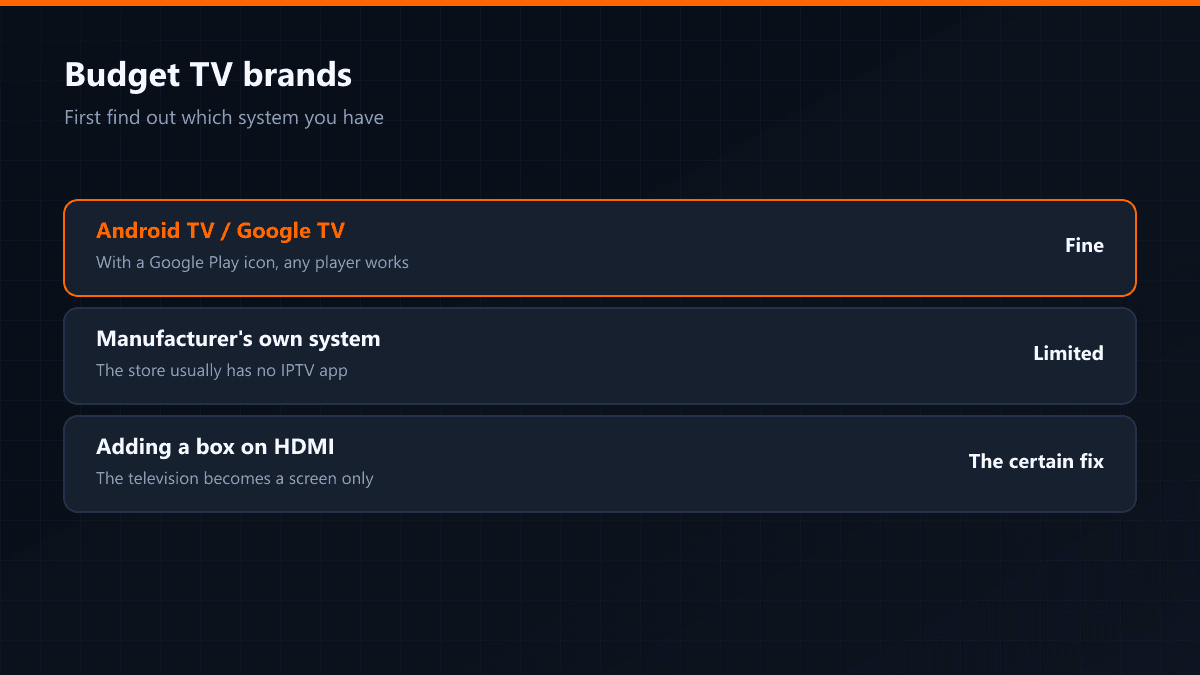
- An Android TV, a TV box or a Fire TV Stick.
- A wired connection if you can manage it. Wi-Fi works, but the gap opens up at kick-off.
TiviMate setup step by step
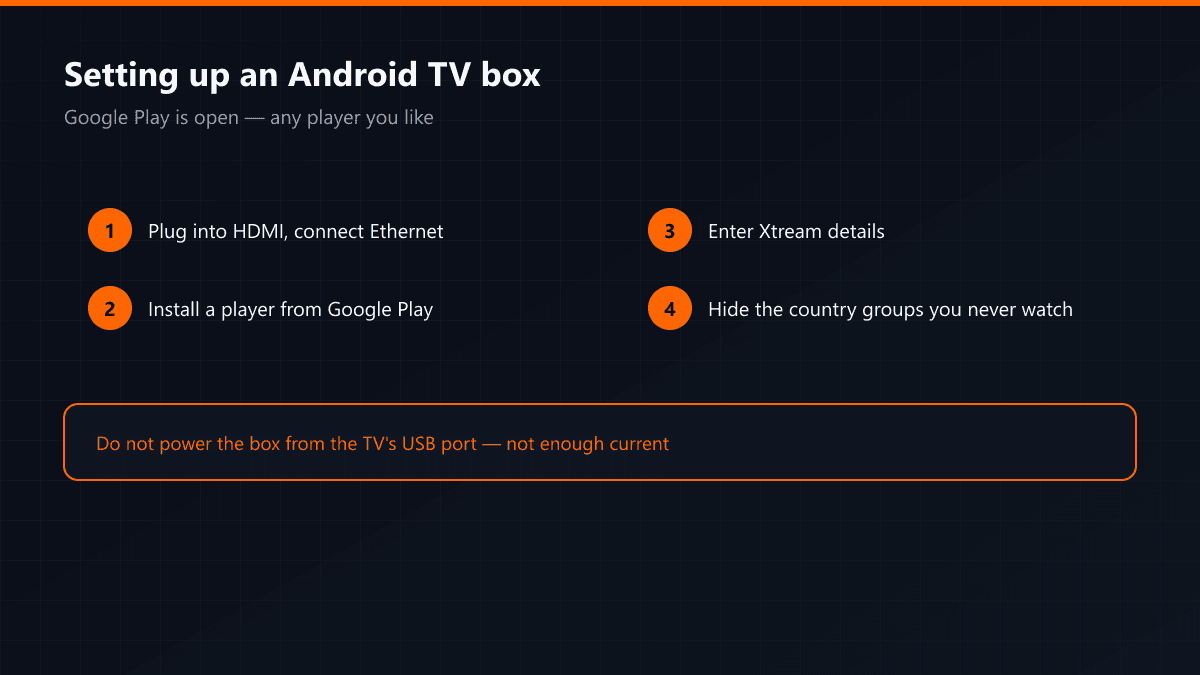
- 01Install the appOn Android TV and TV boxes, open Google Play, search for "TiviMate IPTV Player" and install it. The Fire TV Stick has no Play Store: allow unknown sources under Settings > My Fire TV > Developer Options, then install through the Downloader app.
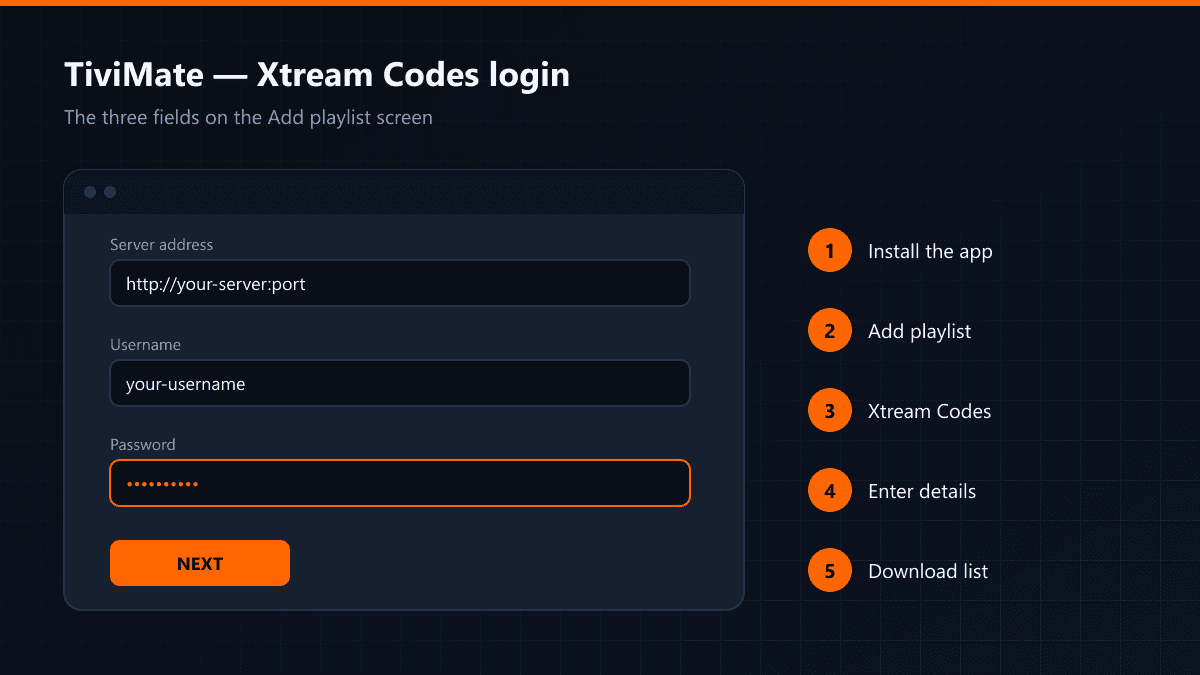
- 02Open the add playlist screenThe first time you open the app you get a black screen with a single button: Add playlist. Press it.
- 03Choose Xtream CodesTwo options appear: an M3U link and Xtream Codes. Pick Xtream Codes — the channel list and the guide come straight from the server, so it runs more steadily and refreshes itself when the list changes.
- 04Enter your detailsType the server address, your username and your password. Both credentials are case sensitive, and the overwhelming majority of connection errors during setup come from a typo right here.
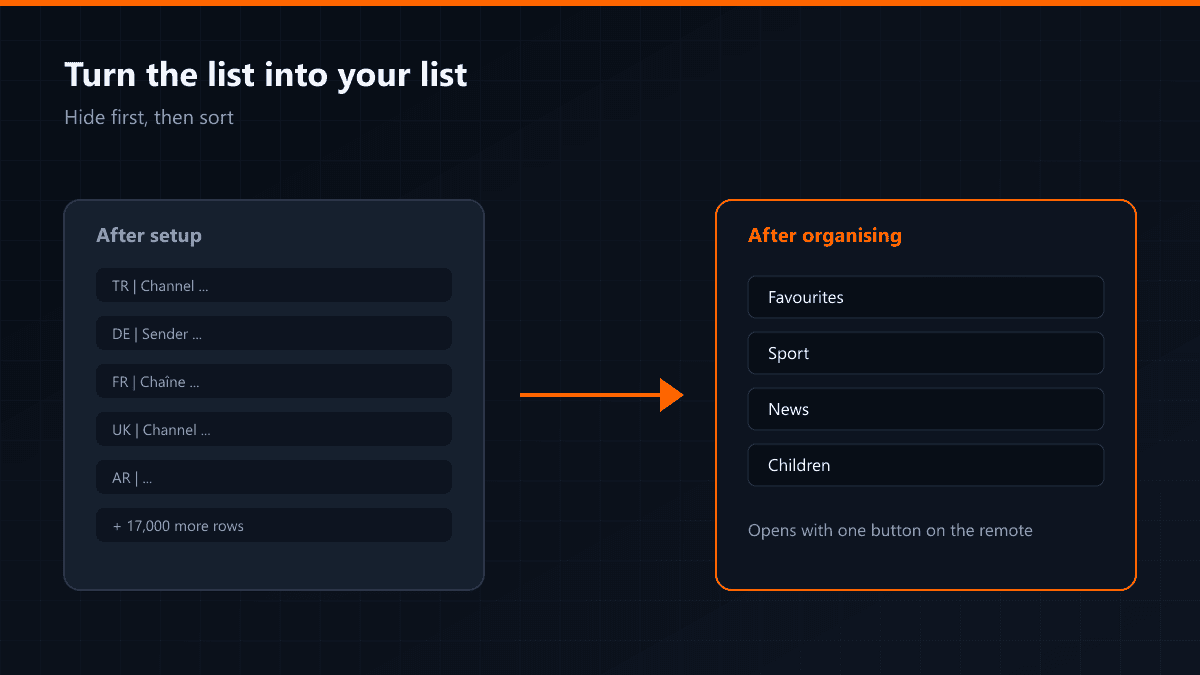
- 05Process the list and finishPress Next. TiviMate connects to the server and downloads the channel map. Once the list lands you can pick which channel groups stay visible.
If you get a connection error, retype the password by hand first. The second most common cause is the server address: a trailing slash or a missing port number.
Getting the EPG to load properly
With an Xtream Codes login the guide usually arrives on its own. If it does not, add a source under Settings > EPG and check the time zone: when the times are shifted the cause is almost always the wrong zone rather than missing data.
Do you need the premium version?
The free version handles a single playlist and is enough for ordinary watching. Premium adds multiple playlists, recording, a parental lock and custom channel ordering that syncs across devices. With one subscription on one device, the free version does the job.
Three problems people hit
- Channels will not open: if the details are right, the cause is usually the device's DNS — try 1.1.1.1 or 8.8.8.8.
- Picture stutters: raise the buffer under Settings > Playback.
- The app hangs on launch: clear TiviMate's cache so the list downloads again.