IPTV Smarters Pro Setup for Samsung and LG Smart TVs
·5 min read
IPTV Smarters Pro is the player most Samsung and LG owners end up with. One app carries live channels, the film and series library and the programme guide together. This guide sets up IPTV Smarters Pro on a Smart TV using Xtream Codes.
Setup steps
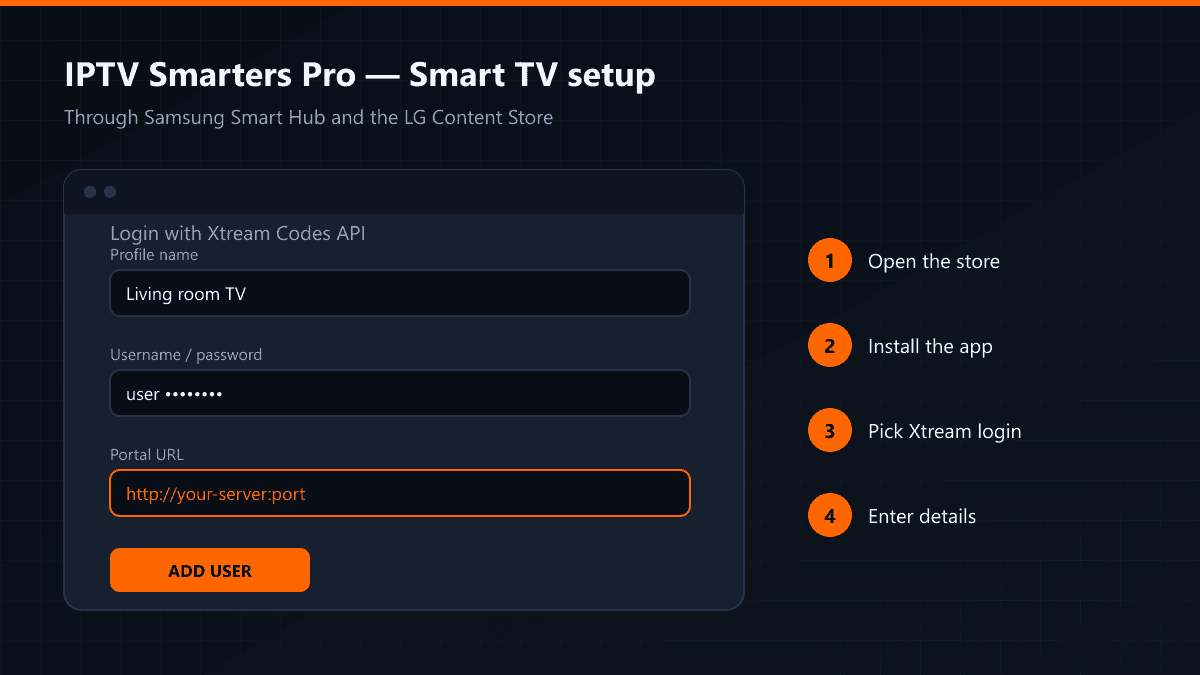
- 01Open the app storeOn Samsung sets that is Smart Hub; on LG it is the LG Content Store. Go into the search section.
- 02Find the app and install itSearch for "IPTV Smarters Pro", select the result and install. It takes a few seconds.
- 03Choose the Xtream Codes loginOpen the app, accept the terms and pick "Login with Xtream Codes API". The M3U option works too, but with an Xtream login the list keeps itself up to date.
- 04Enter your detailsGive the profile any name you like, then fill in the username, password and portal URL and press Add User.
- 05Wait for the channelsThe app downloads the channel list and the guide. The first download can take half a minute depending on the size of the list.
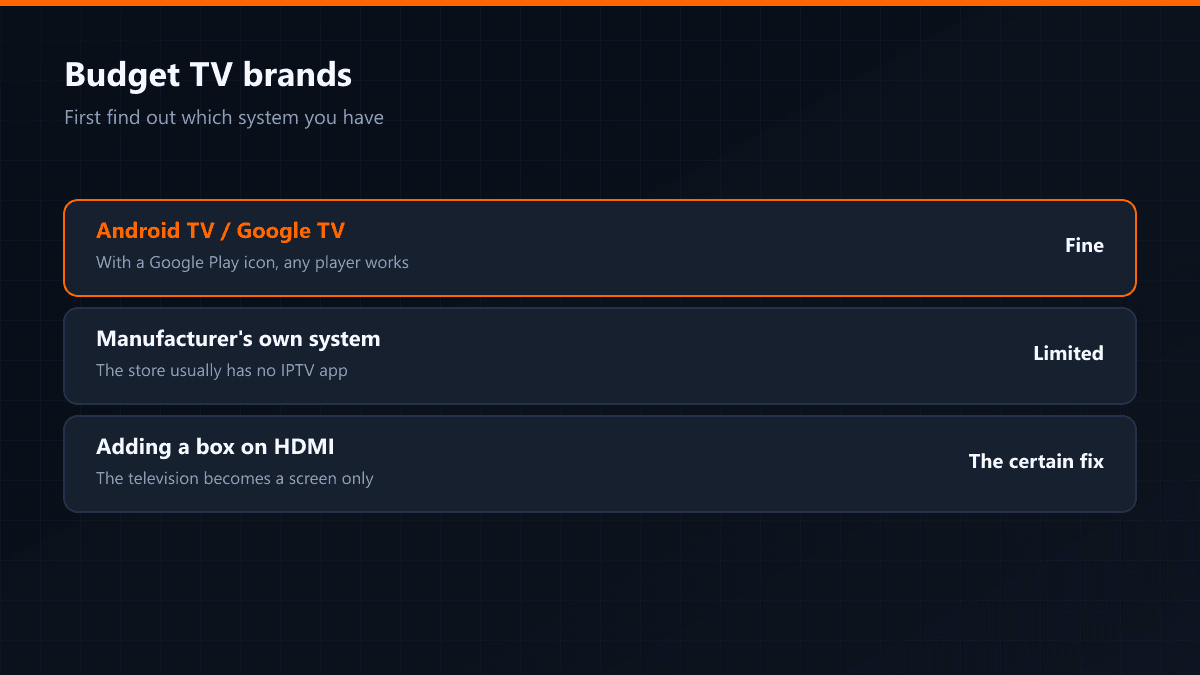
If the app does not appear in the store, check the television's region setting. Where IPTV Smarters is missing on LG, SS IPTV does the same job; on Samsung, SetIPTV or NetIPTV do.
Two settings to change afterwards
- If the picture stutters, raise the buffer in the app settings.
- Connect the television by cable if you can. Smart TV Wi-Fi receivers are weaker than the one in your phone, and that is the first thing to choke at peak time.
Logging in with M3U instead
If you were given only an M3U link rather than Xtream details, the app takes that too: on the login screen choose "Load Your Playlist or File/URL" and paste the link. The difference is that the list will not refresh itself and the film library usually arrives incomplete.
The list loaded but nothing plays
- Change the player engine in the app settings: Smarters ships with several, and on some televisions only one of them works.
- Turn hardware acceleration on and off and try again.
- Check the television's date and time: a wrong date makes some servers refuse the connection.
Profiles and more than one subscription
Smarters supports multiple user profiles. If you hold two subscriptions — say one on the Turkish server and one on the European — add them as separate profiles and switch between them. To delete a profile, long-press the user on the login screen.
Parental lock
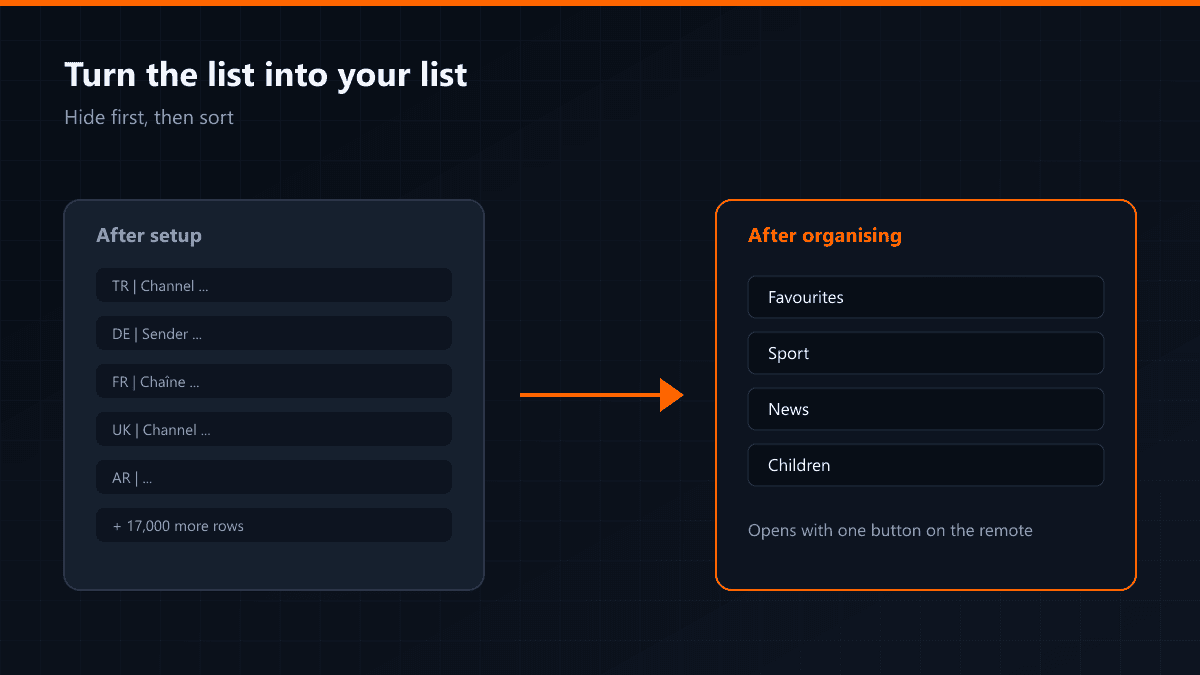
You can lock individual channel groups behind a PIN in the settings. Locking everything except the children's groups is the arrangement that works in houses where the remote lives with the kids.