Why Is Channel Switching Slow?
·5 min read
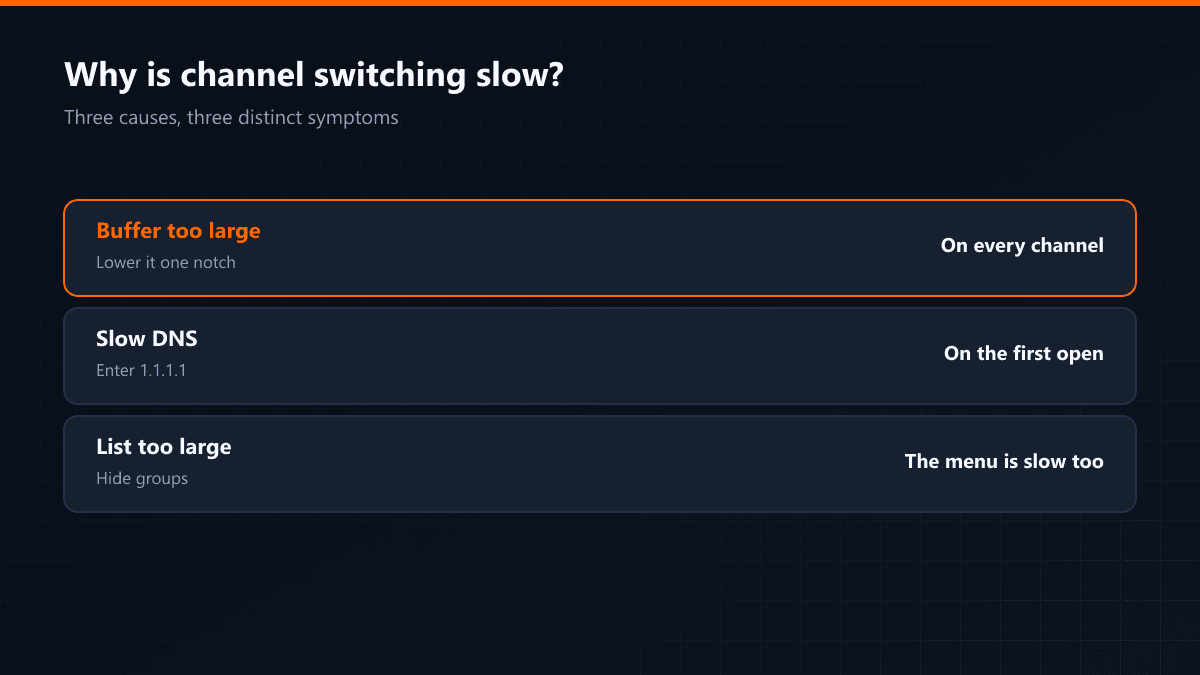
Channel-switching time is the most-felt and least-discussed measure in daily use. Waiting three seconds between two channels may count as "working" technically, but it breaks the habit of watching. The cause sits in one of three places.
Three causes
| Cause | Symptom | Fix |
|---|---|---|
| Large buffer | The same delay on every channel | Lower the buffer one notch |
| Slow DNS | First open slow, afterwards fast | 1.1.1.1 or 8.8.8.8 |
| List too large | Navigating the menu is slow too | Hide groups, build favourites |
The trade-off between buffer and switching
The buffer is data gathered before playback starts. A large buffer hides freezing, but collecting that data takes time at every channel change. A small buffer speeds switching and brings the freezing back on an unstable connection. They are two ends of one setting.
The practical balance
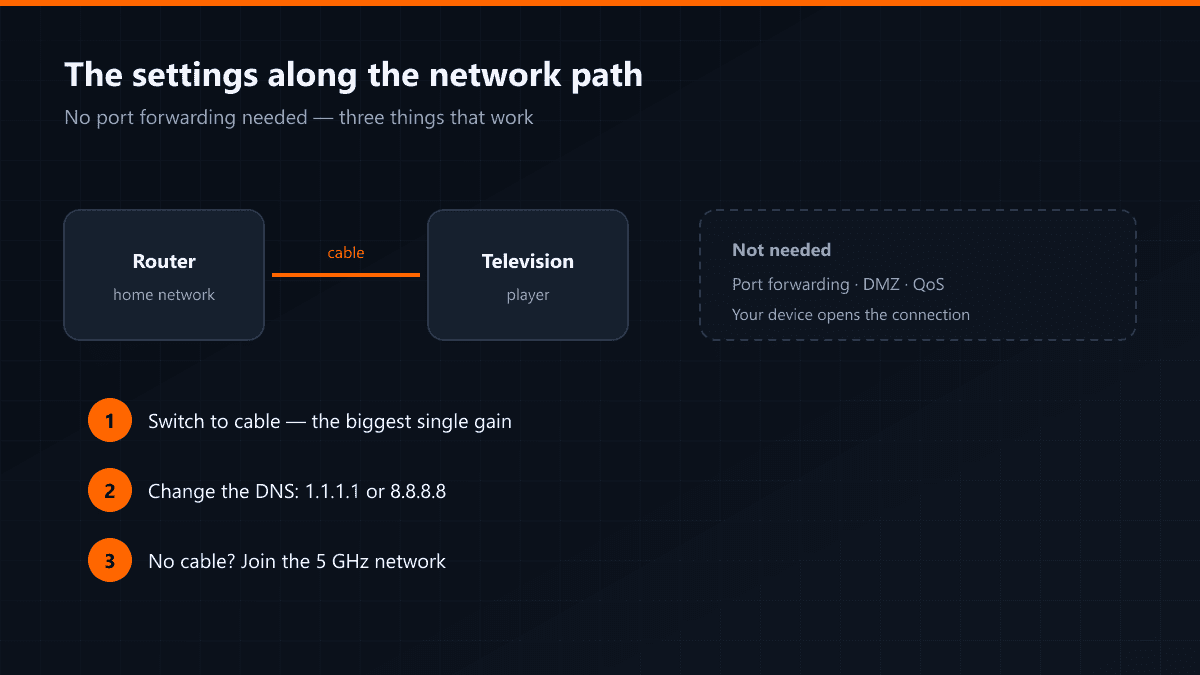
On a wired connection a low buffer is safe: the line is steady, the risk of freezing is small and switching gets quicker. On Wi-Fi the opposite holds. So the most lasting way to speed up channel switching is not to play with the buffer but to put the television on a cable.
The programme guide downloading in the background also slows switching in the first minutes. Waiting for the list to settle before changing channels makes a difference.