IPTV on Phone and Tablet: Android and iOS Setup
·4 min read
Setting up IPTV on a phone is easier than on a television: the app comes from a store, the keyboard is under your thumbs and you can paste the credentials rather than type them. The one thing to watch is data consumption.
On Android
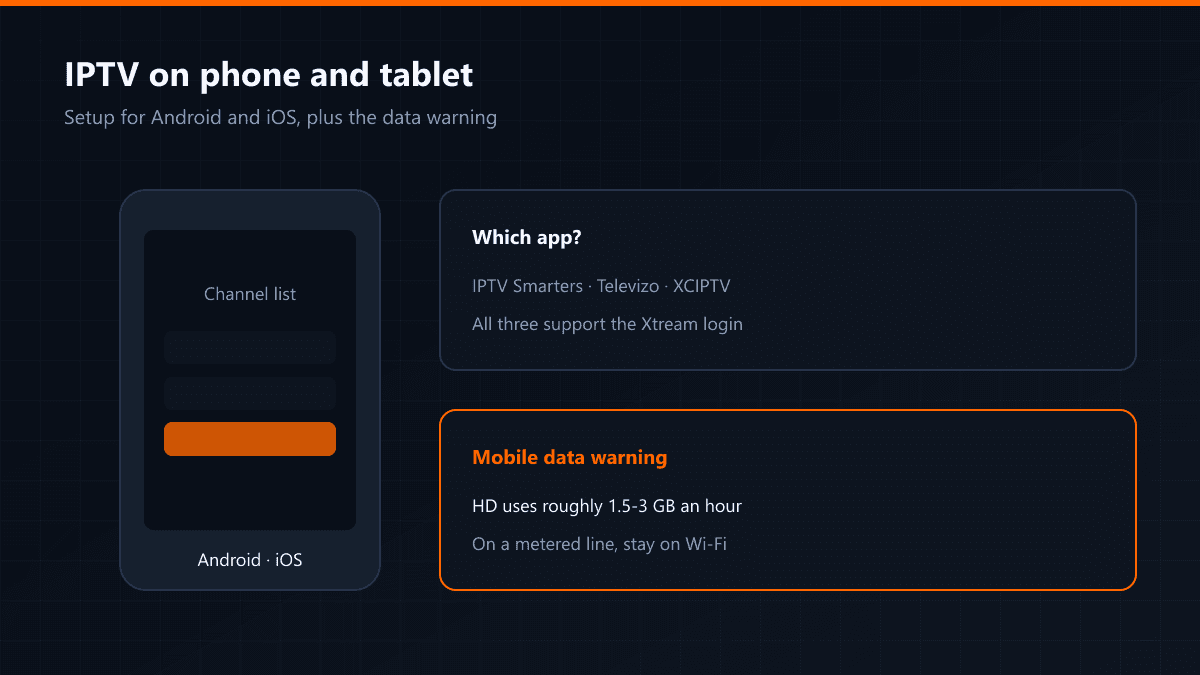
Install IPTV Smarters, Televizo or XCIPTV from Google Play. All three support the Xtream login. Televizo is the smoothest of them on a phone interface; Smarters gives you the same layout as on the television, which makes it the comfortable choice out of habit.
On iPhone and iPad
IPTV Smarters and GSE Smart IPTV are the common options in the App Store. The flow is the same as on Android: open the app, choose the Xtream login, enter the details.
Setup steps
- 01Download the appInstall one of the apps above from Google Play or the App Store.
- 02Choose the Xtream loginPick Xtream Codes from the options on the opening screen. An M3U link works too, but the list will not refresh itself.
- 03Paste the detailsPaste the server address, username and password. Capitalisation mistakes are the most common problem when typing by hand; pasting removes them.
A warning about mobile data
An HD stream uses roughly 1.5-3 GB an hour and 4K several times that. Watching one match on a metered line can eat a serious share of a monthly allowance. Use Wi-Fi where you can; where you cannot, drop the quality setting in the app.
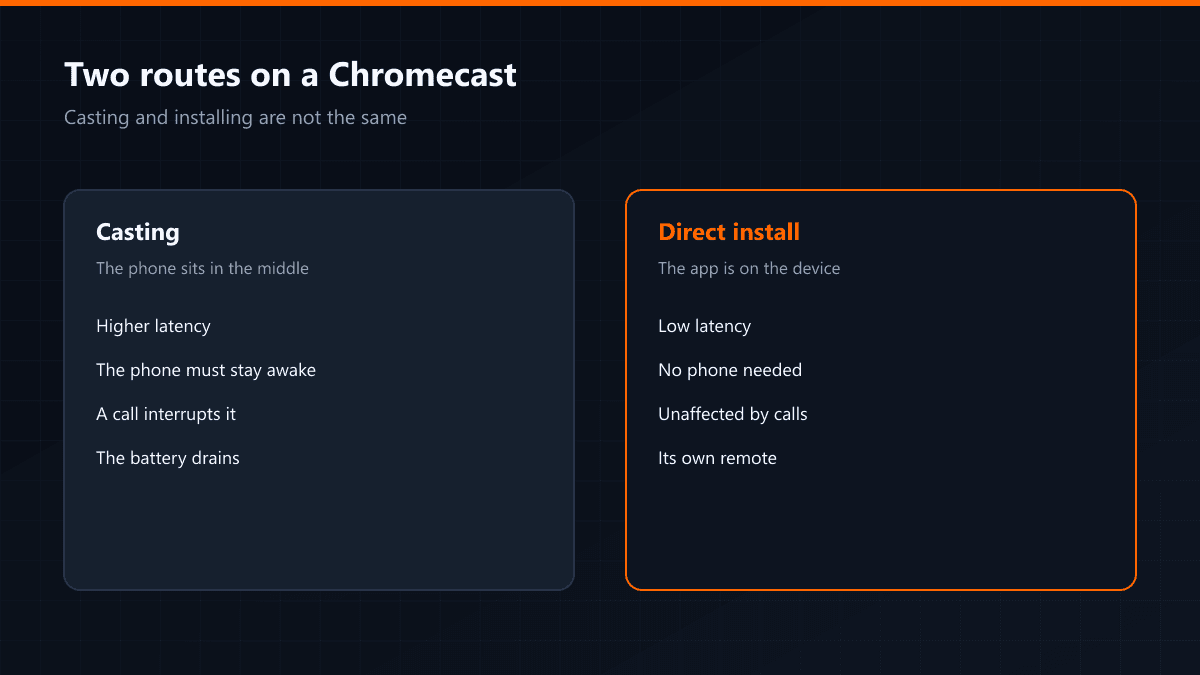
Casting from the phone to the television (Chromecast or AirPlay) works, but it adds a layer and stutters more than an app installed on the television itself. If you will watch regularly, install it on the television.
Data consumption
| Resolution | Per hour | One match (2 hours) |
|---|---|---|
| SD | ~0.7 GB | ~1.4 GB |
| HD | ~1.5 GB | ~3 GB |
| Full HD | ~3 GB | ~6 GB |
| 4K | ~7 GB | ~14 GB |
The figures are approximate and vary with the compression of the stream. A 20 GB mobile allowance is gone in three matches at Full HD.
Saving data by lowering quality
Most apps let you pin the resolution in the player settings. Choosing SD or HD on mobile data halves the consumption at a cost you will not notice on a phone screen.
Background playback
Some apps keep the audio running when the screen goes off, which is useful for listening to a news channel like radio. On Android, battery optimisation can cut it off — exclude the app from optimisation.
On a tablet
The bigger screen makes an SD stream uncomfortable to watch, so choose HD at least. On Wi-Fi, take the quality limit off entirely.