IPTV on Chromecast with Google TV
·4 min read
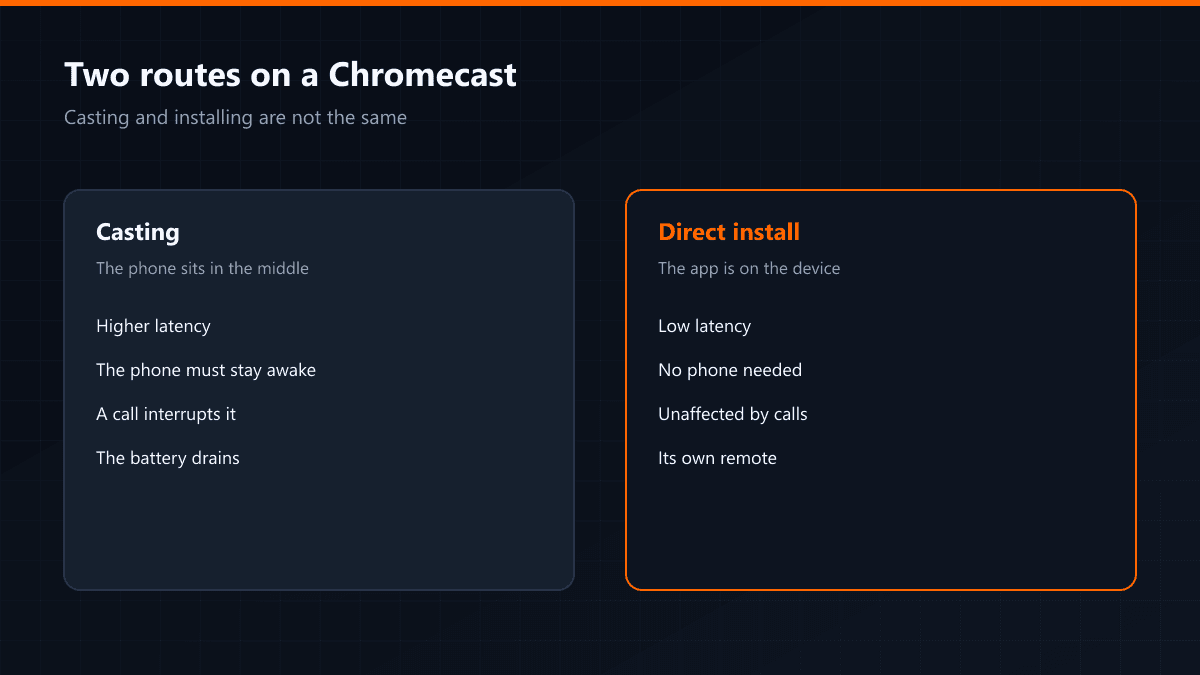
There are two routes on a Chromecast with Google TV and they get confused with each other: casting from a phone, and installing an app on the device itself. The second always gives a better result, and the reason is simple.
Why casting is the lesser option
When casting, the stream lands on the phone first and travels on to the Chromecast. That inserts a second device and a second wireless hop: latency rises, the phone's battery drains, and an incoming call interrupts the picture. Installing the app directly removes that chain.
Installing directly
Chromecast with Google TV is a full Android TV device; Google Play is open and TiviMate, IPTV Smarters or XCIPTV install straight onto it. Afterwards, holding the home button on the remote gives you a quick switch into the app.
The storage limit
The Chromecast carries 8 GB of storage and the system uses close to half of it. What is left covers a few apps, but the cache swells as the channel list grows. The symptom is an app that hangs on launch. The fix is removing unused apps and clearing the cache.
| Casting | Direct install | |
|---|---|---|
| Latency | Higher | Low |
| Needs the phone | Yes, it must stay awake | No |
| When a call arrives | The stream stops | Unaffected |
| Control | The phone | Its own remote |
The Chromecast has no Ethernet port of its own; the adapter model puts one on the power supply. If you watch football, that adapter alone can end the freezing.