Setting Up IPTV on a Samsung Tizen TV
·5 min read
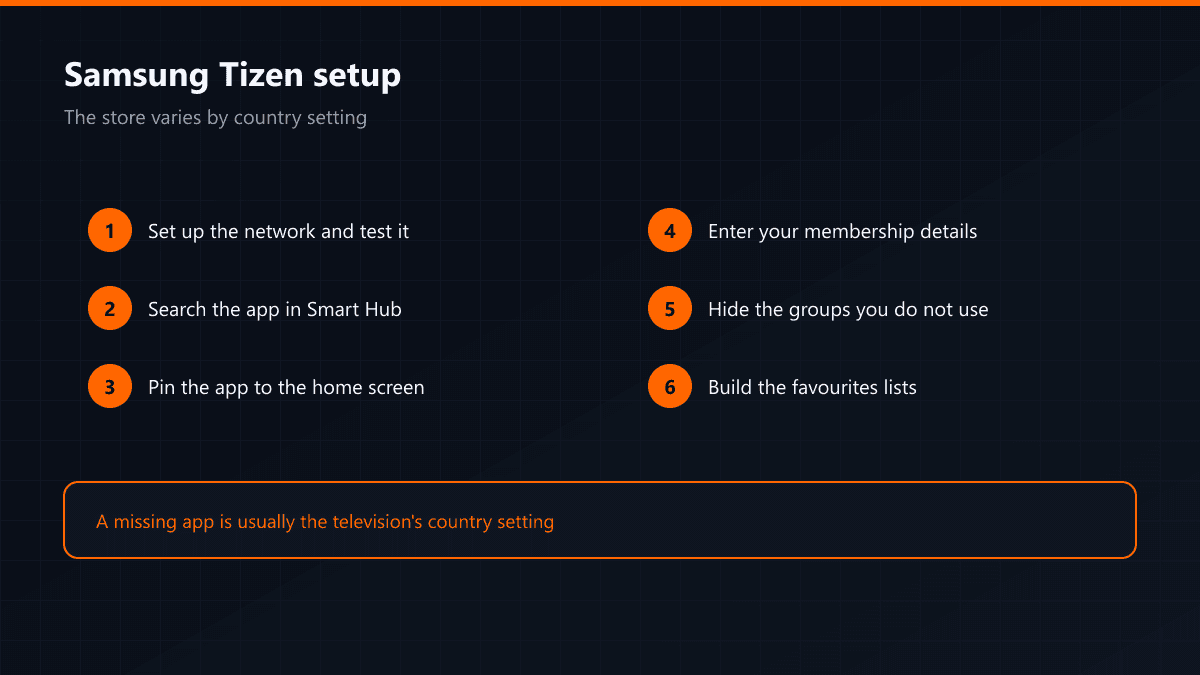
Samsung televisions run their own operating system, Tizen, and the main setup question is the same as on webOS: is the app in the store? The difference is that Samsung's store varies by country, so the same model shows two different app lists in two countries.
Why the store changes by country
The country chosen during the television's first setup decides which regional catalogue the store opens with. An app visible on a set sold in Germany may not appear on the same model configured for Turkey. The setting can be changed later, but the television resets to factory defaults — setup starts again from scratch.
Setup steps
- 01Set up the network connectionComplete the connection under Settings > General > Network. Run the connection test too: it is the one place that catches the case where Tizen shows 'connected' but there is no route to the internet.
- 02Search for the app in Smart HubOpen Smart Hub with the home button on the remote, go into Apps and type the app name into the search icon.
- 03Install it and pin it to the home screenAfter installing, move the app to the first position on the home row. Tizen pushes unused apps to the back and hunting for it on every launch wastes time.
- 04Enter the list or account detailsDepending on the app you are asked for either an address or a username and password. Both are sent to you when the membership starts.
- 05Tidy the channel listOnce the list has downloaded, hide the groups you never watch and add the ones you do to favourites. Skipping this step means repeating the same search every day.
The two errors that come up most
| Symptom | Cause | Fix |
|---|---|---|
| App not in the store | Country setting | External device, or change the country |
| List loads, channels do not open | Wrong address | Check the details character by character |
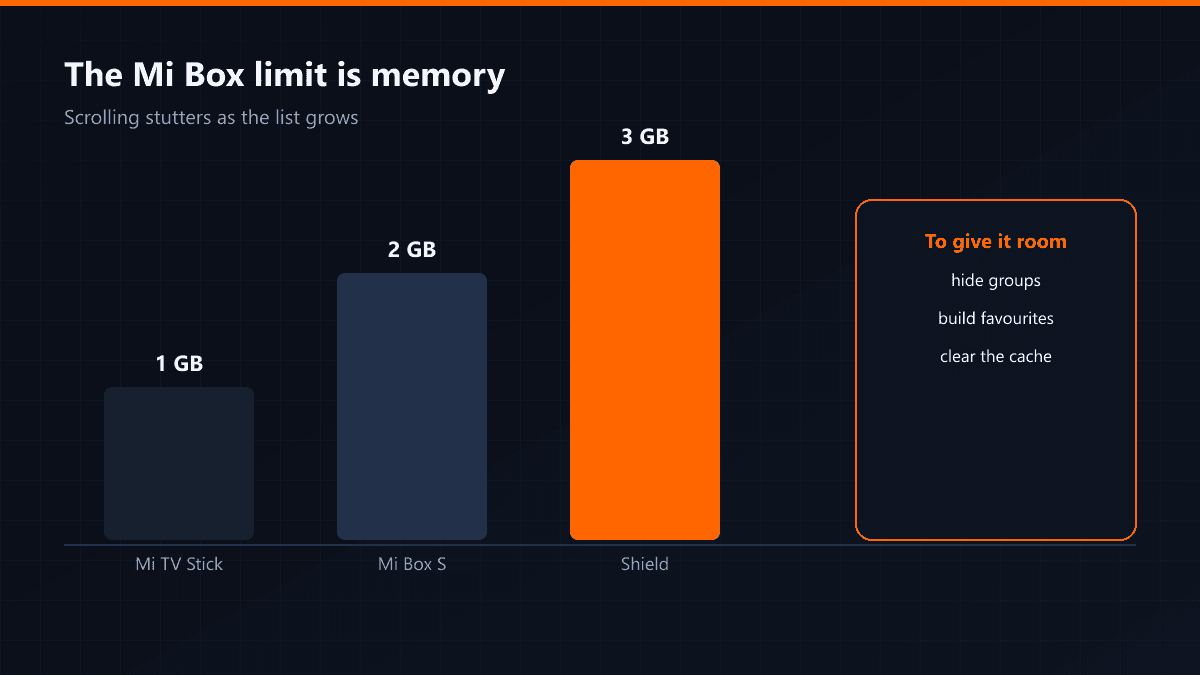
| App closes on launch | Full memory | Remove apps you do not use |
| Picture but no sound | Audio format | Turn passthrough off |
Older Samsung models
Samsung televisions from before 2015 run the older Orsay system rather than Tizen, and on those the store is effectively empty. The only sensible route on these models is an external device: the television stays a screen and the box does the software work.
If channel switching is slow on a Samsung set, lower the player's buffer setting first. Tizen's own network stack already buffers; adding a second buffer in the app doubles the switching time.