The IPTV First-Day Checklist
·6 min read
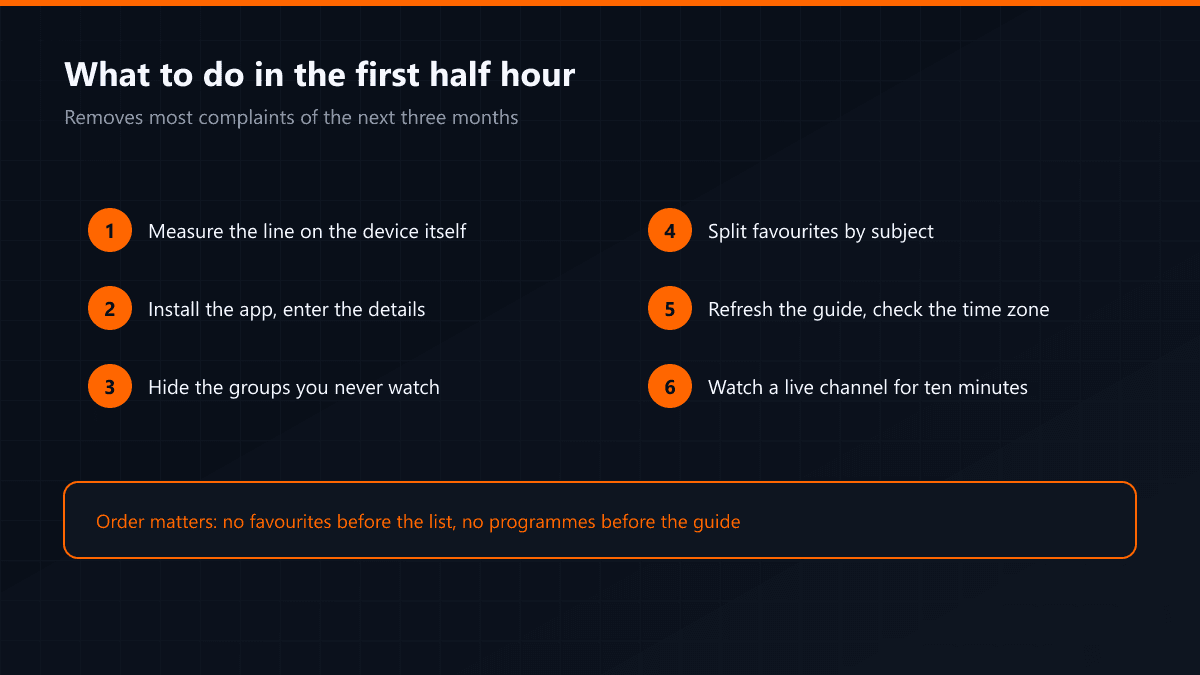
When a membership starts, the job is not just installing an app. Four settings made in the first half hour remove most of the complaints that arrive later: freezing, slow channel switching, an empty guide and lost favourites.
Why the order matters
The steps depend on each other. Favourites cannot be organised before the channel list has downloaded, programme information does not appear before the guide has refreshed, and a speed test is misleading before the network is sorted. The order below follows those dependencies.
- 01Measure the connection and make it stableRun the speed test on the device itself, not on your phone. It should sit above 10 Mbit for Full HD and 25 Mbit for 4K. Plug in Ethernet if you have it; if not, move the device closer to the router or switch to the 5 GHz network.
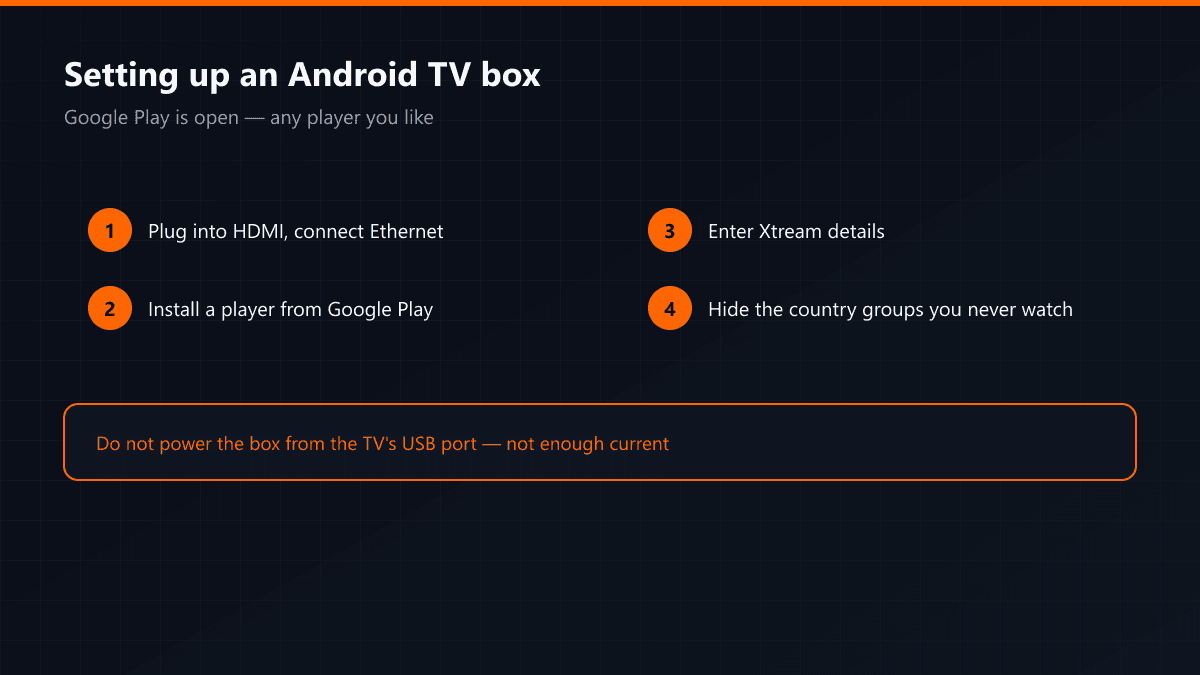
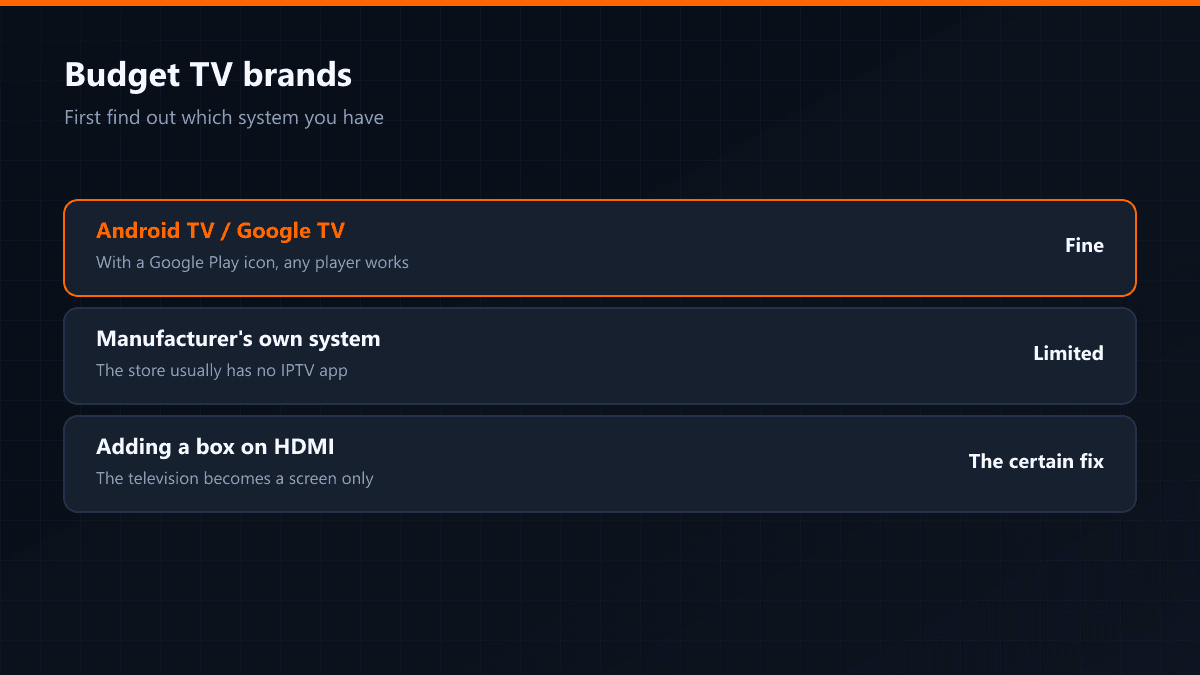
- 02Install the app and enter the detailsInstall the player that suits your device and enter the address and credentials you were sent. Typing errors are the single most common problem: one wrong character in the address and the list never downloads.
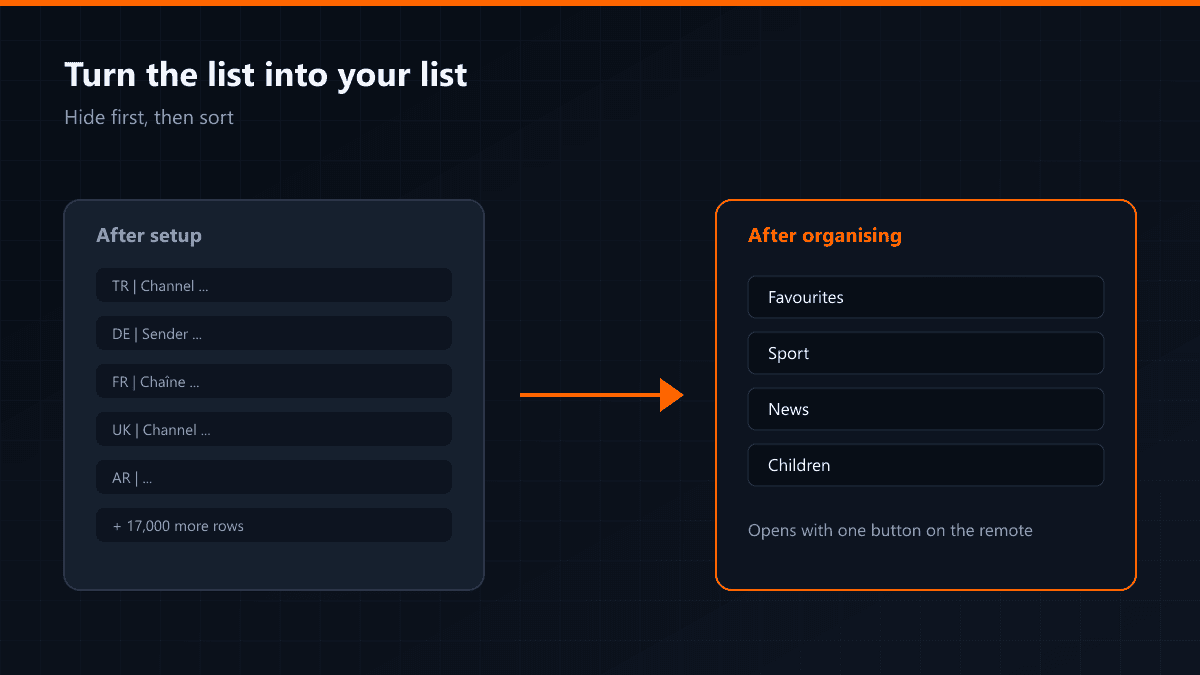
- 03Trim the channel listThe first load brings thousands of channels, most of them in languages you will not watch. Hide the groups you do not use: menus get faster, searching gets shorter and the app uses less memory.
- 04Build the favourites listsSplit the channels your household watches by subject — sport, news, kids, films. One big favourites list is crowded again by the second week.
- 05Refresh the guide and check the time zoneOnce the EPG data has downloaded, look at the programme times on one channel. If everything looks shifted by an hour, the player's time zone setting is wrong.
- 06Open a live channel and watch for ten minutesOnly a live stream proves the setup actually works. Ten uninterrupted minutes and you are done; if it does not hold, you sort it out on day one while support is reachable.
Three things worth writing down
- The membership end date — for the renewal reminder
- The name and version of the app you use — support asks this first
- The model of the device you set up — useful when adding a second one
Favourites live on the device, not in the account. Change the device, or delete and reinstall the app, and the list resets. Some players such as TiviMate can back favourites up — taking a backup once setup is done saves half an hour later.