Guide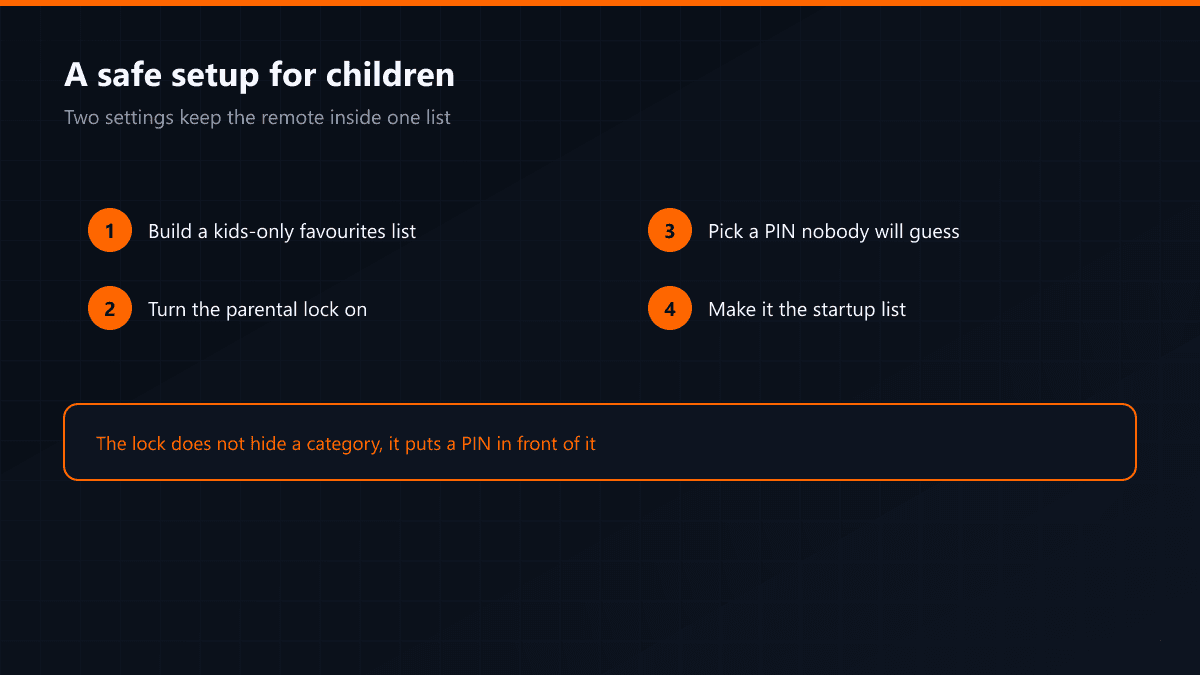
Kids' Channels and a Safe Setup at Home
·4 min read
Kids' channels are their own category, but the real question is not the line-up: it is whether the remote in a child's hand reaches the whole list. Two settings solve that, and both live inside the player.
What is in the list
- Turkish children's channels: cartoons and preschool content
- International children's channels: English, German and Arabic
- Documentary and nature channels for school age
- Children's films and cartoon episodes in the archive
Setting up a child profile
- 01Build a favourites list of kids' channels onlyUse the player's favourites feature to collect the children's channels in one list. Name it something the child recognises.
- 02Turn on the parental lockTiviMate and IPTV Smarters both have a parental lock in settings. Lock the adult categories; opening them then requires a PIN.
- 03Pick a PIN the child will not guessA birthday or 1234 does not work. Choose four digits nobody in the house would try first.
- 04Make the kids' list the startup listThe player takes the list it opens with from settings. On a child's device, starting in the kids' list keeps browsing inside that list.
Second device, or the same one?
A separate screen in the child's room means a separate connection — one membership is one screen. Working through the parental lock on the living-room television is the route that does not need a second line.
The parental lock does not hide a category, it puts a PIN in front of it. If you do not want the category name visible at all, hiding it from the channel list is a separate setting.