Casting IPTV from a Phone to a Television
·5 min read
Sending a stream from a phone to a television is a practical answer but not a permanent setup. Where it helps and where it hits a limit is clear from the start.
Three methods
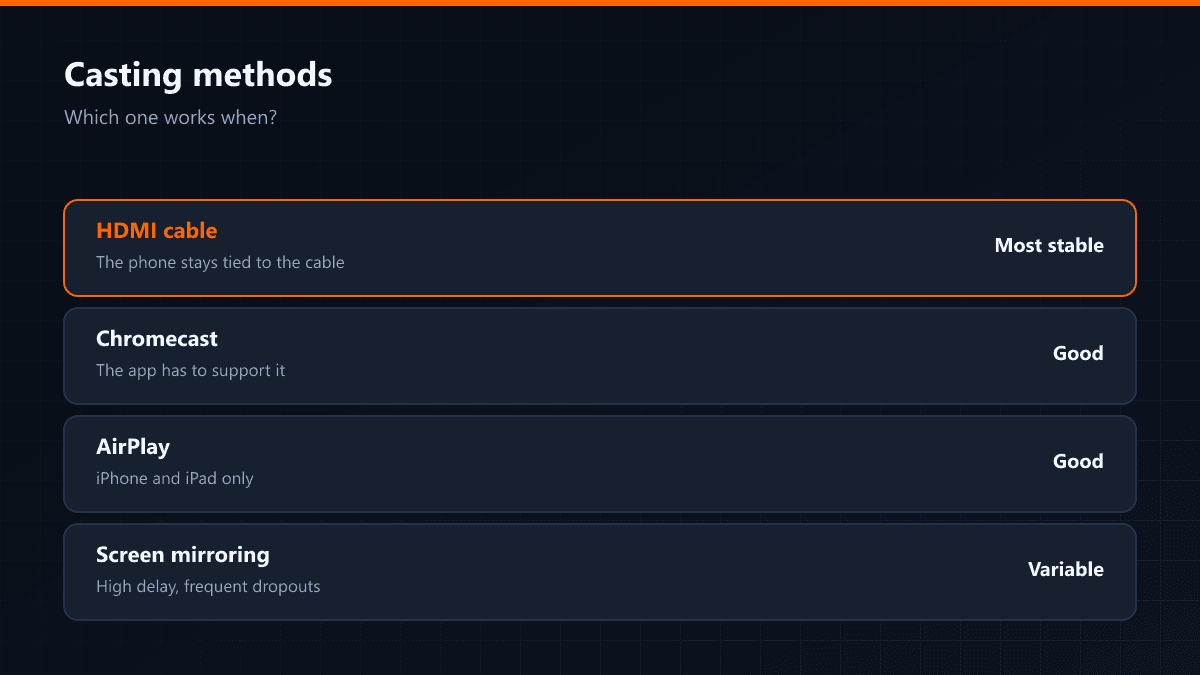
| Method | What it needs | Quality | Its limit |
|---|---|---|---|
| Chromecast | Chromecast or Google TV | Good | The app has to support it |
| AirPlay | Apple TV or an AirPlay set | Good | iPhone and iPad only |
| HDMI cable | Adapter and cable | Most stable | The phone stays tied to the cable |
| Screen mirroring | Miracast support | Variable | Delay and dropouts |
Casting versus installing directly
When casting, the device pulling the stream is the phone; the television is only a screen. Two things follow from that: the phone's battery drains through the whole stream, and an incoming call or notification can interrupt the picture. Installing on the television directly removes both.
When casting makes sense
- At someone else's home or in a hotel, on a television you cannot set up
- As a stopgap when the television is old and cannot install apps
- For a single match or one piece of content
- To see the service on a television before committing to a setup
Why screen mirroring is the weakest route
Mirroring methods such as Miracast copy the phone's screen as it is, wirelessly. They were not designed for video, so the delay is high and dropouts are frequent. Chromecast and AirPlay instead pull the stream themselves — the phone only acts as a remote, which is both more stable and easier on the battery.
While casting, the phone and the television have to be on the same Wi-Fi network. If the 2.4 GHz and 5 GHz networks at home have separate names, the two devices end up on different networks and cannot see each other; putting both on the same one solves it.