The IPTV Film and Series Library (VOD): How to Use It
·4 min read
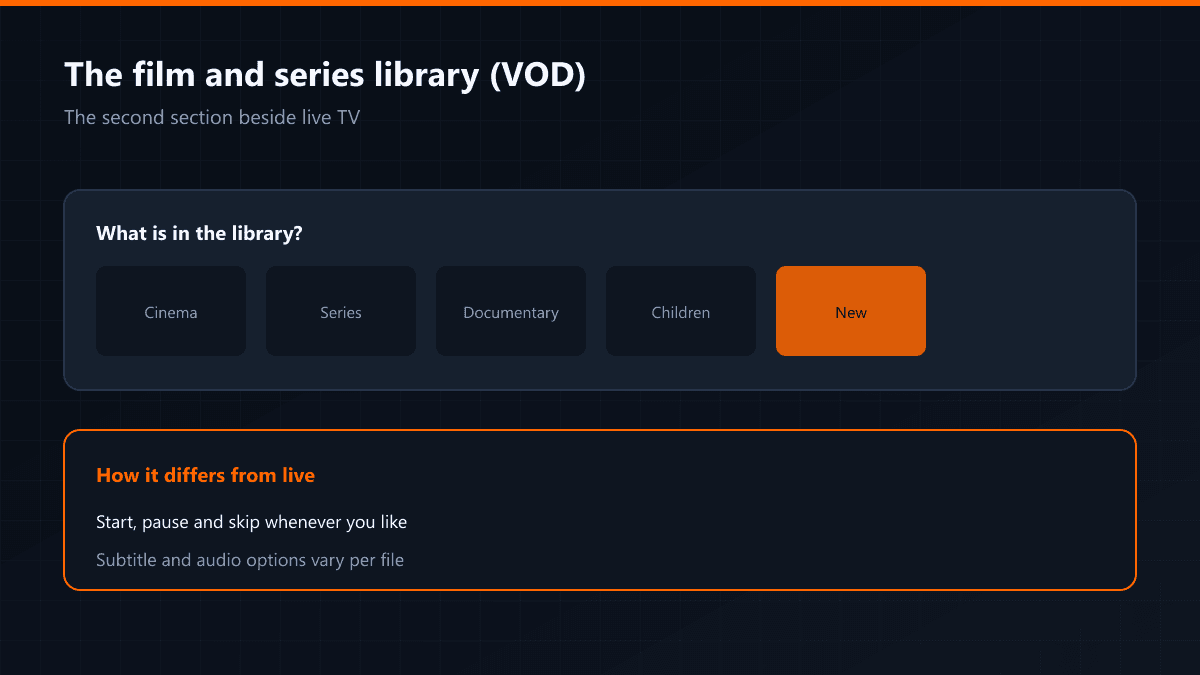
Beside the live channels there is a second section: the on-demand library. Films and episodes sit here, and you start, pause and skip through them whenever you like.
What is in the library?
- Cinema releases and recent productions
- Turkish and international series, season by season
- Documentaries
- Children's content and animation
How to open it
If you logged in with Xtream Codes, Movies and Series headings appear beside live television in the app. With an M3U link the library may arrive incomplete or not at all — that does not mean it is missing, only that the connection method is different.
Subtitles and audio tracks
Subtitle and audio options vary per file. Some titles carry several tracks, others only one. The player's subtitle menu shows what actually came with the file.
The library is updated regularly, but newly added titles may not show immediately in the app. They arrive when the list refreshes: re-download the playlist from the app's settings.
Searching the library
Use search rather than scrolling through thousands of titles. Most apps also give you genre filters — action, comedy, documentary — and a year filter in the library section. In apps like TiviMate, adding to favourites makes things easier to find later.
How series are organised
Series are grouped into seasons and episodes; open a season and the episodes are listed in order. The app remembers where you stopped, though that depends on the app — some do not keep watch history.
Library versus live
| Live | Library (VOD) | |
|---|---|---|
| Starting | Tied to the schedule | Whenever you like |
| Pausing | Limited | Yes |
| Skipping forward and back | No | Yes |
| Subtitles | Burned into the broadcast | Selectable, depending on the file |
| Updates | Continuous | When the list refreshes |
When does new content arrive?
The library is refreshed regularly, but the list in your app can lag behind. If you cannot find a new title, refresh the playlist first; in most cases it has already been added.